Screenshots
Completion
Section titled “Completion”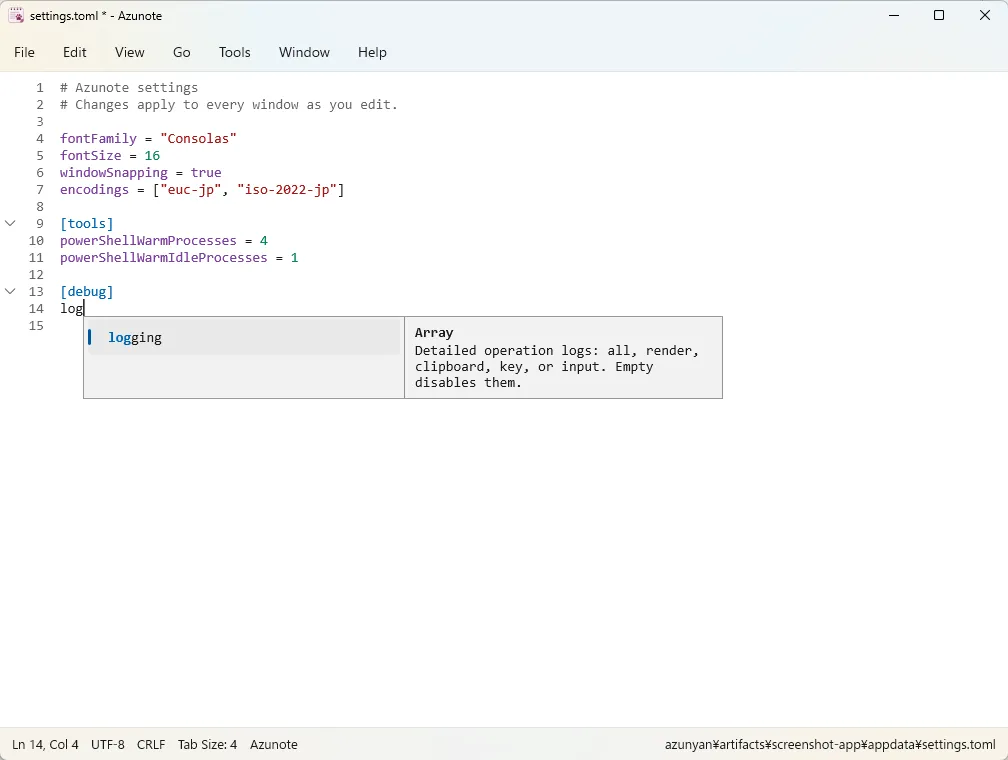
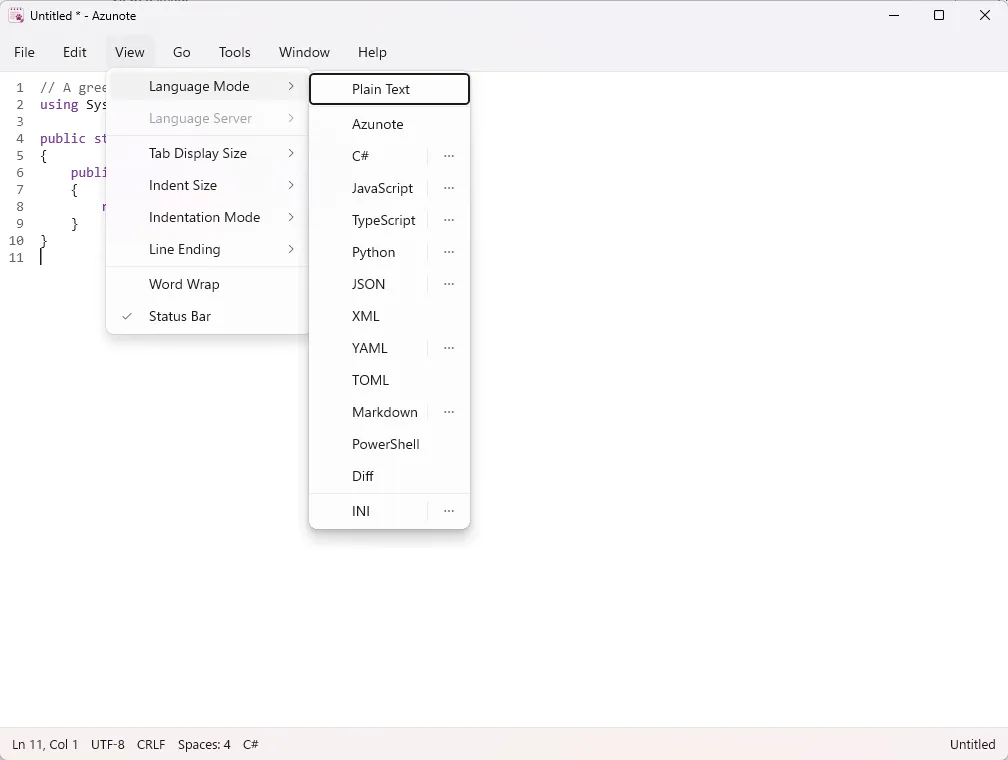
Language modes
Section titled “Language modes”Choose highlighting and editing behavior from the language mode menu.
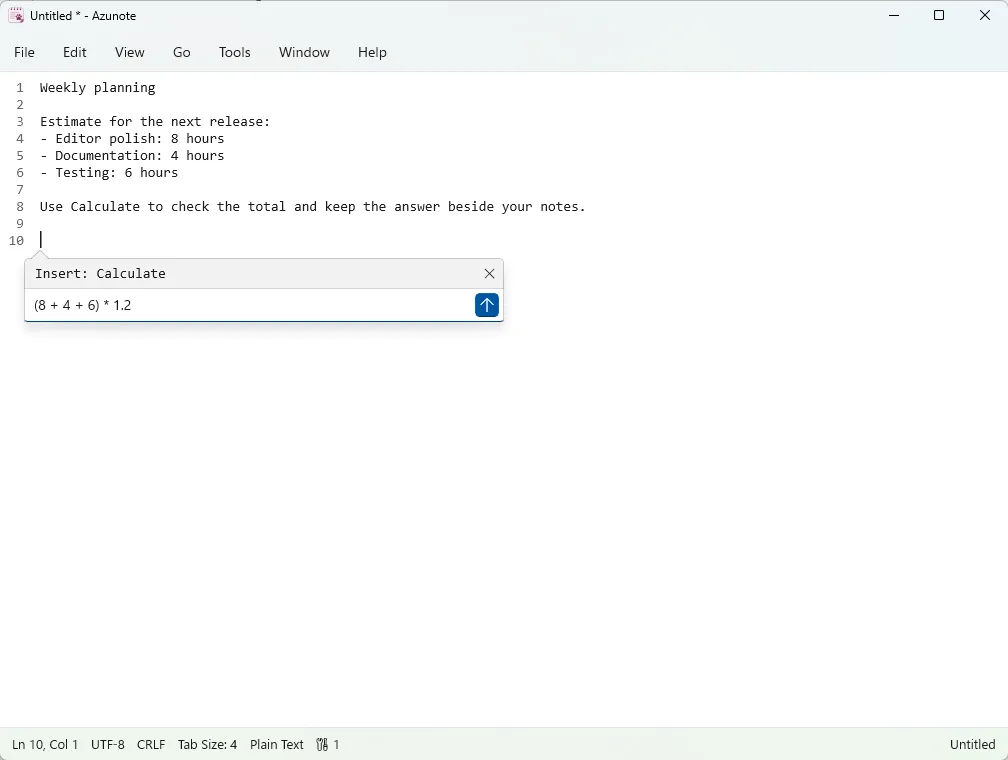
Prompts and chat
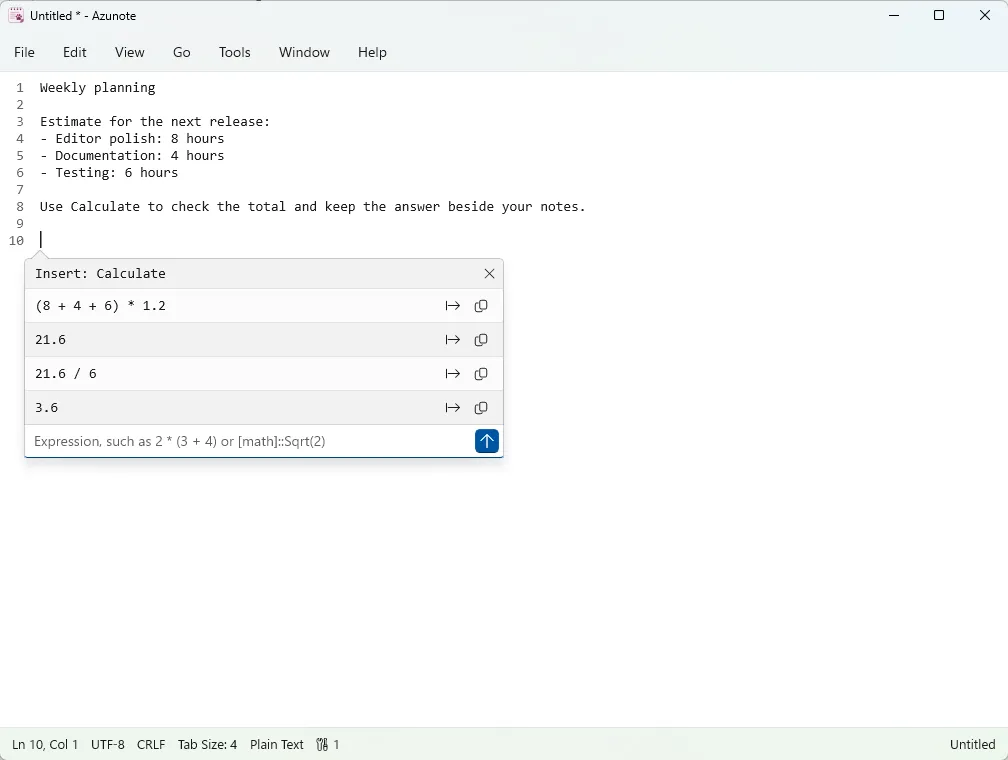
Section titled “Prompts and chat”External tools can ask for input at the caret and keep a conversation with their responses. Here, Calculate evaluates expressions and offers each result for insertion into the document.
Problems
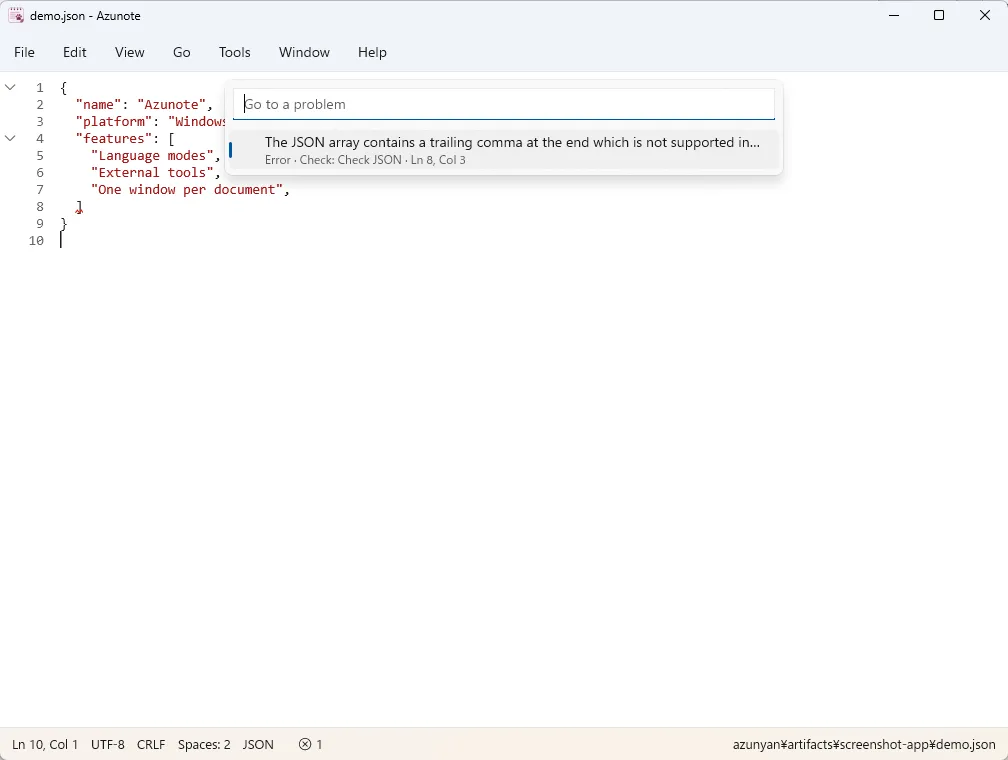
Section titled “Problems”Problems underline errors in the document and list them for quick navigation.
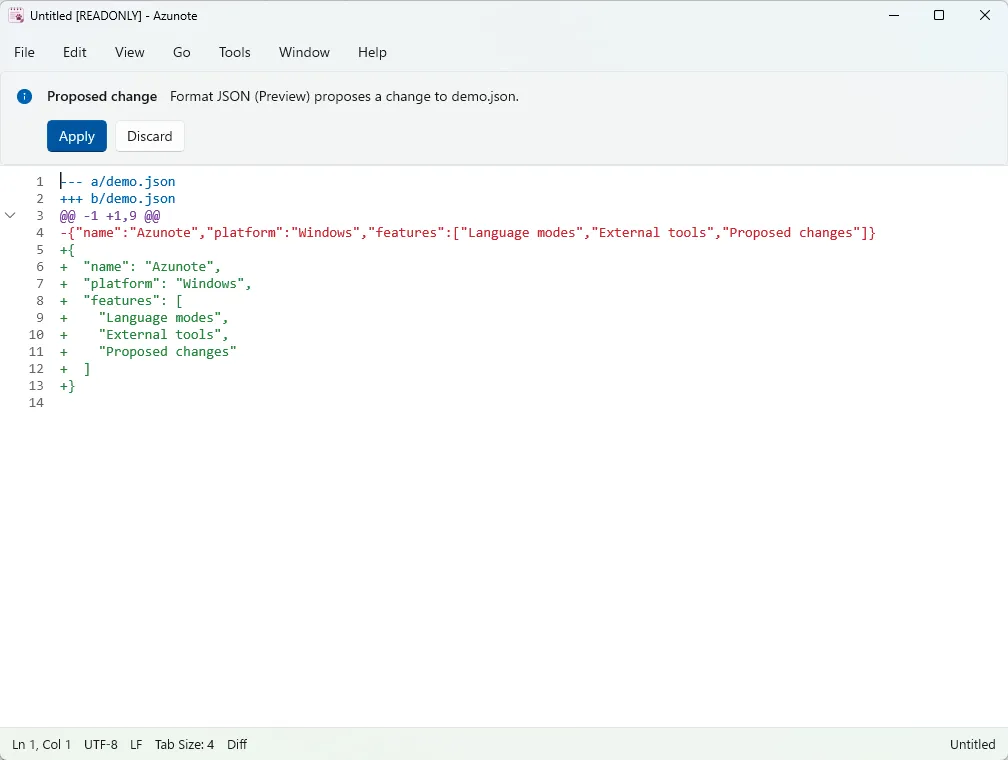
Proposed changes
Section titled “Proposed changes”Review a tool’s output as a proposed change before applying it. This example previews JSON formatting.